


Last War Survival Bot – AI Auto Dig & Farm Bot | BotBay.io
BB LastWar Bot
Automate the Grind in Last War: Survival Game — Safely & Intelligently
AI-powered desktop bot that farms, manages, and optimizes your gameplay 24/7 — without risky cheats or memory hacks.
Powered By AI
No Password
Human-Like Inputs
Telegram Updates
What Is the Last War Survival Bot?
LastWarBot is a desktop application that automates repetitive tasks in Last War:
Survival Game using advanced AI computer vision. Unlike simple macros or pixel-based bots, LastWarBot uses a YOLOv8 deep learning model trained on 300+ in-game objects to understand your game screen in real-time — adapting to UI changes, popups, and interruptions automatically.
Built for Windows PC, it runs alongside your game window (or emulator) and handles digging, zombie events, alliance donations, and more while you sleep, work, or focus on strategy.
Last War Game Features
Safe & Secure by Design
Your game account stays fully yours. No passwords, no risky logins, no handing over control.
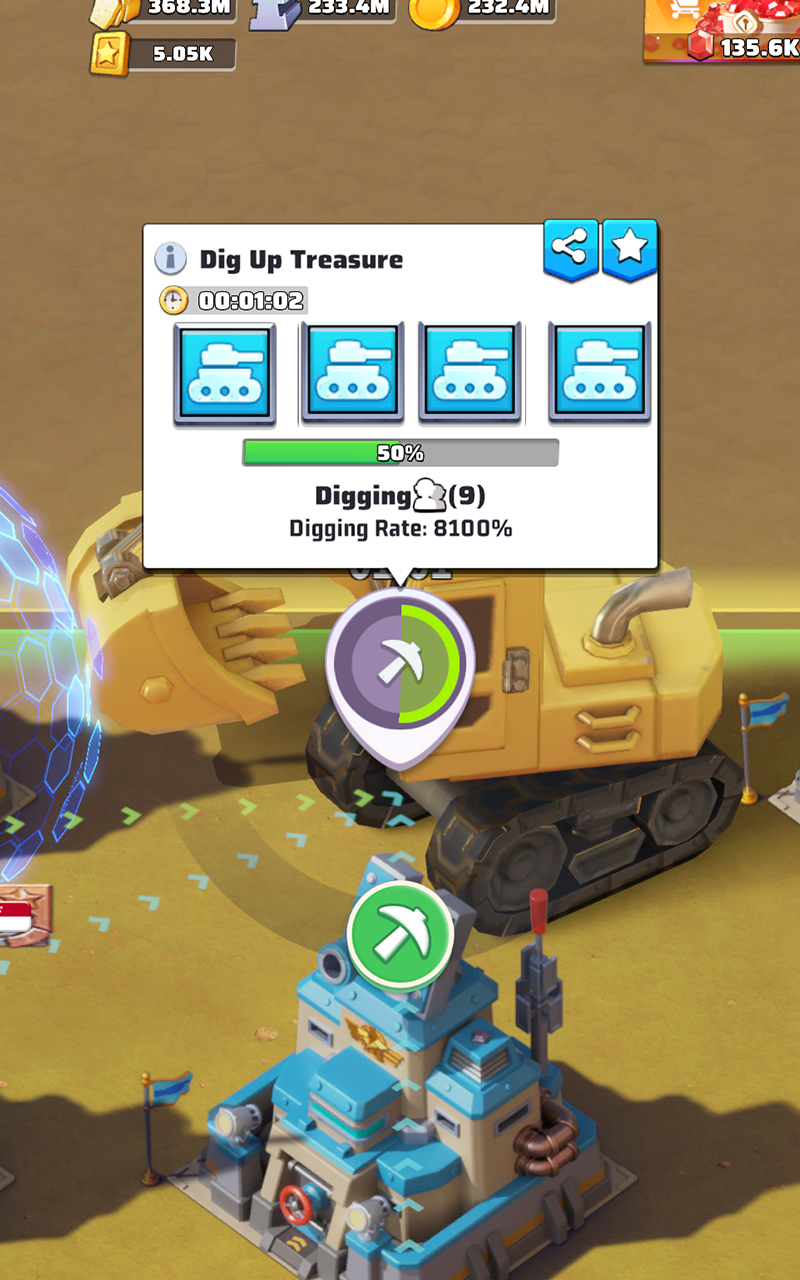
Last War Dig Taker
Automated digging that never misses a timer, reward, or opportunity.
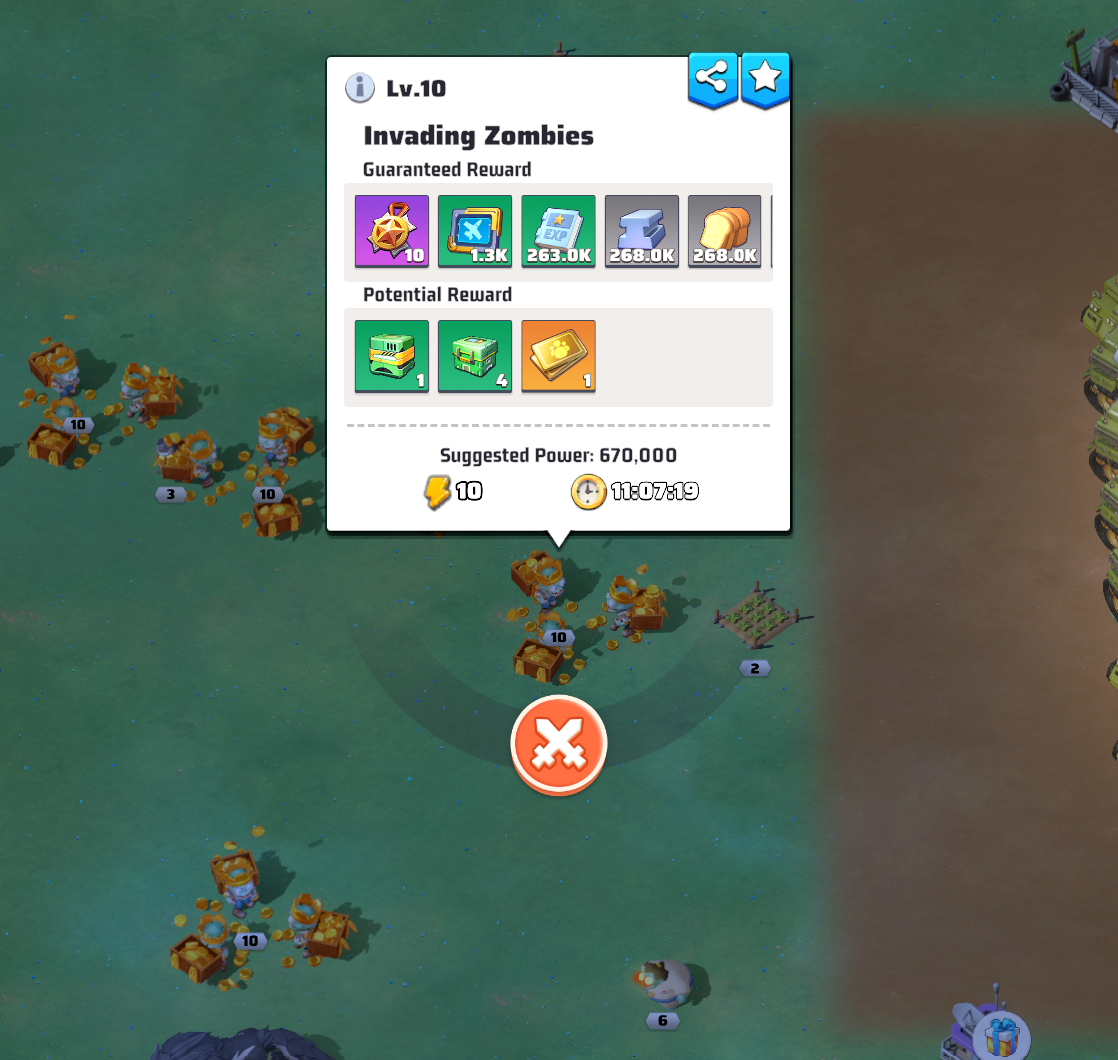
Zombie Invasion on Autopilot
Automates the zombie event from search to attack so the grind keeps moving without babysitting.
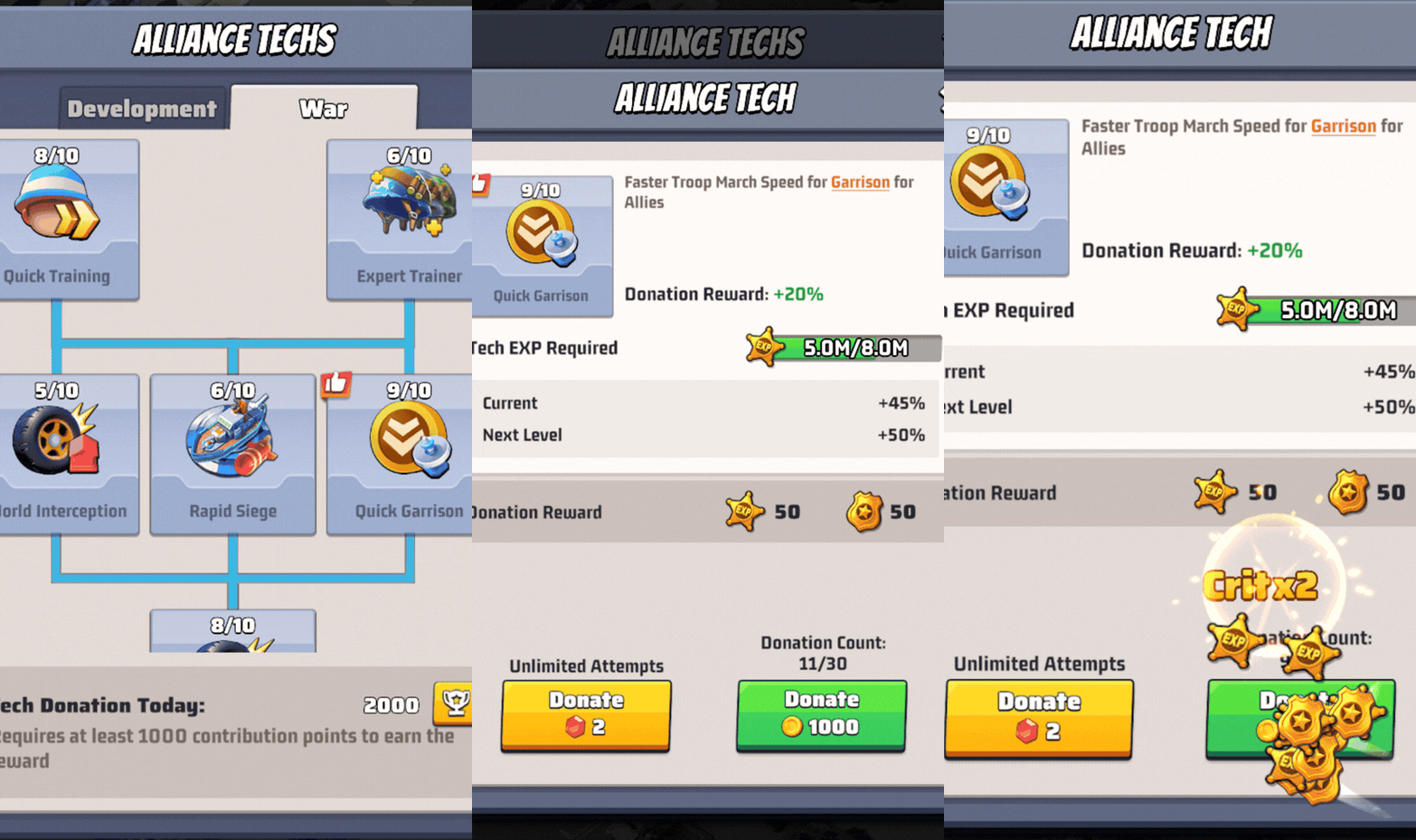
Alliance Donations
Keeps alliance tech contributions flowing without the repetitive tapping.
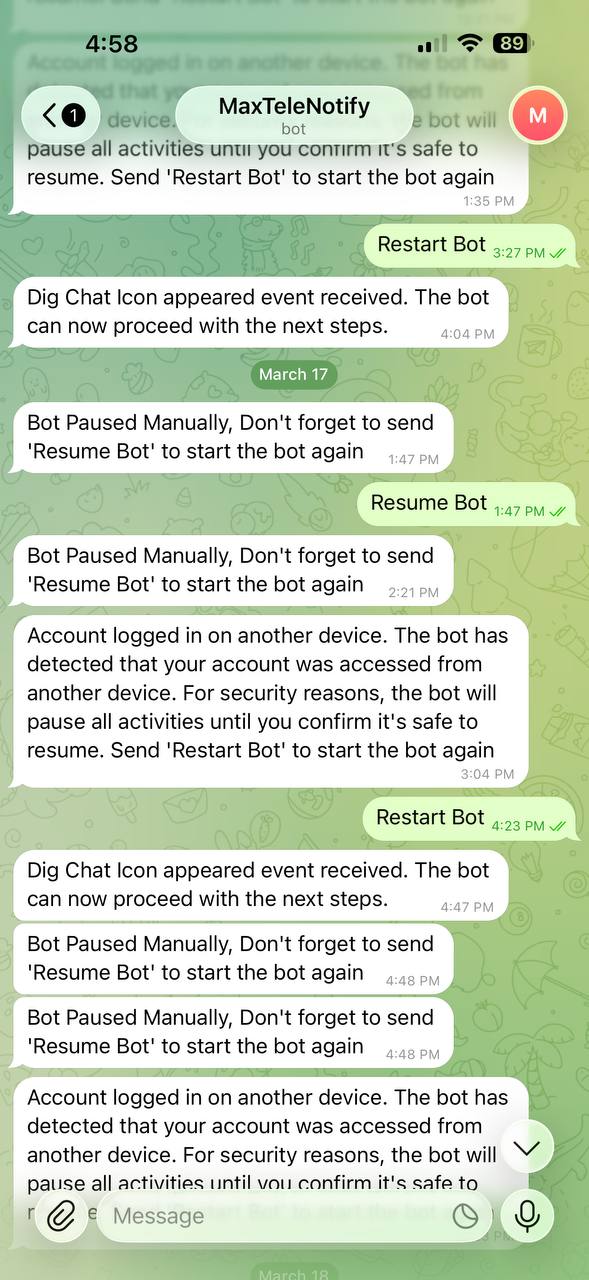
Telegram Alerts on the Go
Instant mobile updates so you always know what your bot is doing, even away from your PC.
Features just dont end!
Recovery That Never Sleeps
AI Vision Built for Chaos
Updates Without the Headache
A Proper Desktop App
Platforms Supported
The bot is currently available for Windows and supports the officially downloaded desktop version of Last War. Emulator and Mac support are being developed.
How the Last War Bot Works?
If you need any assistance, contact us at support@botbay.io or join our Discord community.
Step 1: Download The Bot
Download LastWarBot for Windows and complete the installation with a simple setup process.
Antivirus Notice: Some antivirus programs such as Windows Defender or Norton may incorrectly flag the bot during installation. This is a false positive that can happen with automation tools using screen capture and input simulation. LastWarBot does not contain malware.
If needed, add the installation folder to your antivirus exclusion list or temporarily disable real-time protection during installation, then enable it again afterward.
Step 2: Sign In to Your BotBay.io Account
Log in using your BotBay.io account to activate your subscription. We do not ask for your Last War game credentials.
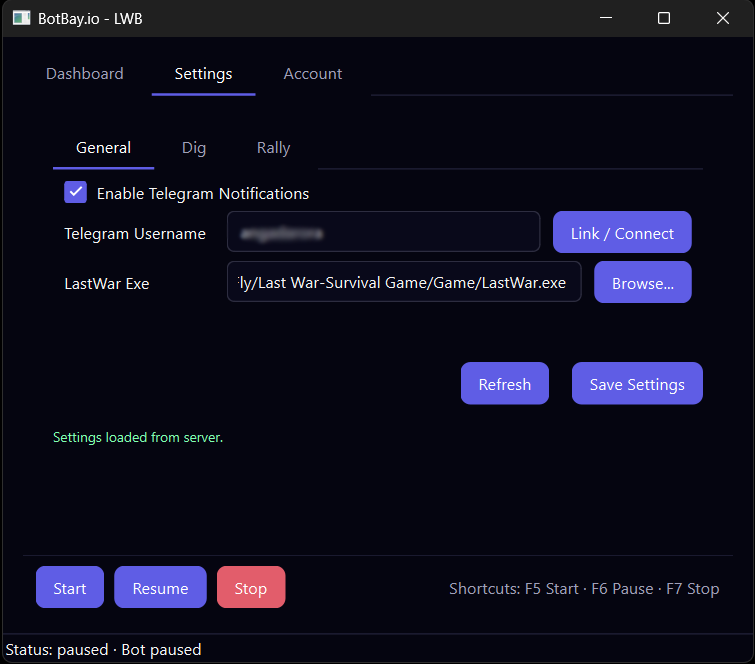
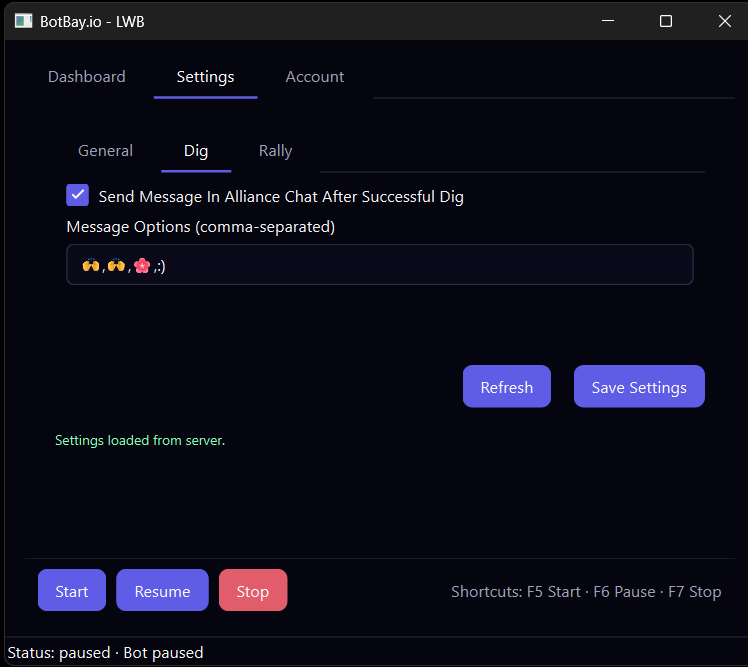
Step 3: Configure Your Settings
Aliquam ac dui vel dui vulputate consectetur. Mauris accumsan, massa non consectetur condimentum, diam arcu tristique nibh, nec egestas diam elit at nulla. Suspendisse potenti. In non lacinia risus, ac tempor ipsum. Phasellus venenatis leo eu semper varius. Maecenas sit amet molestie leo. Morbi vitae urna mauris. Nulla nec tortor vitae eros iaculis:
Step 4: Start the Bot
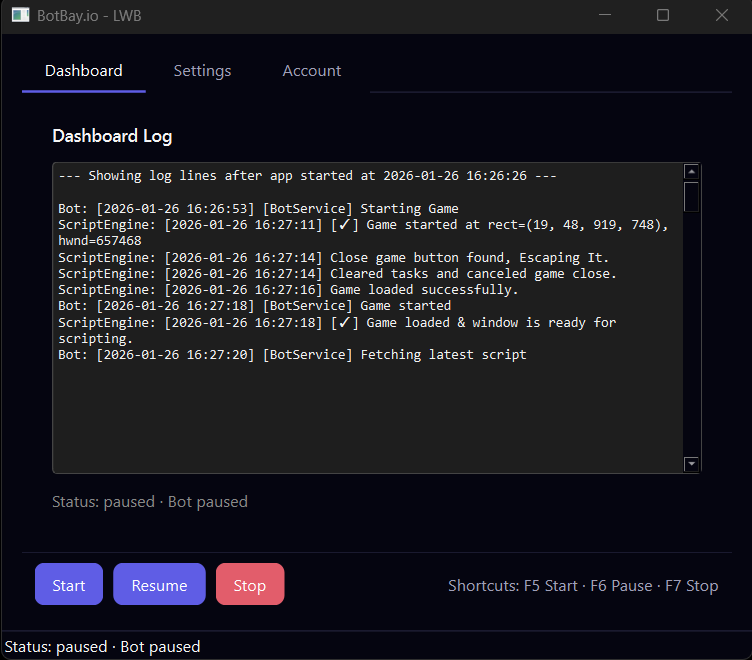
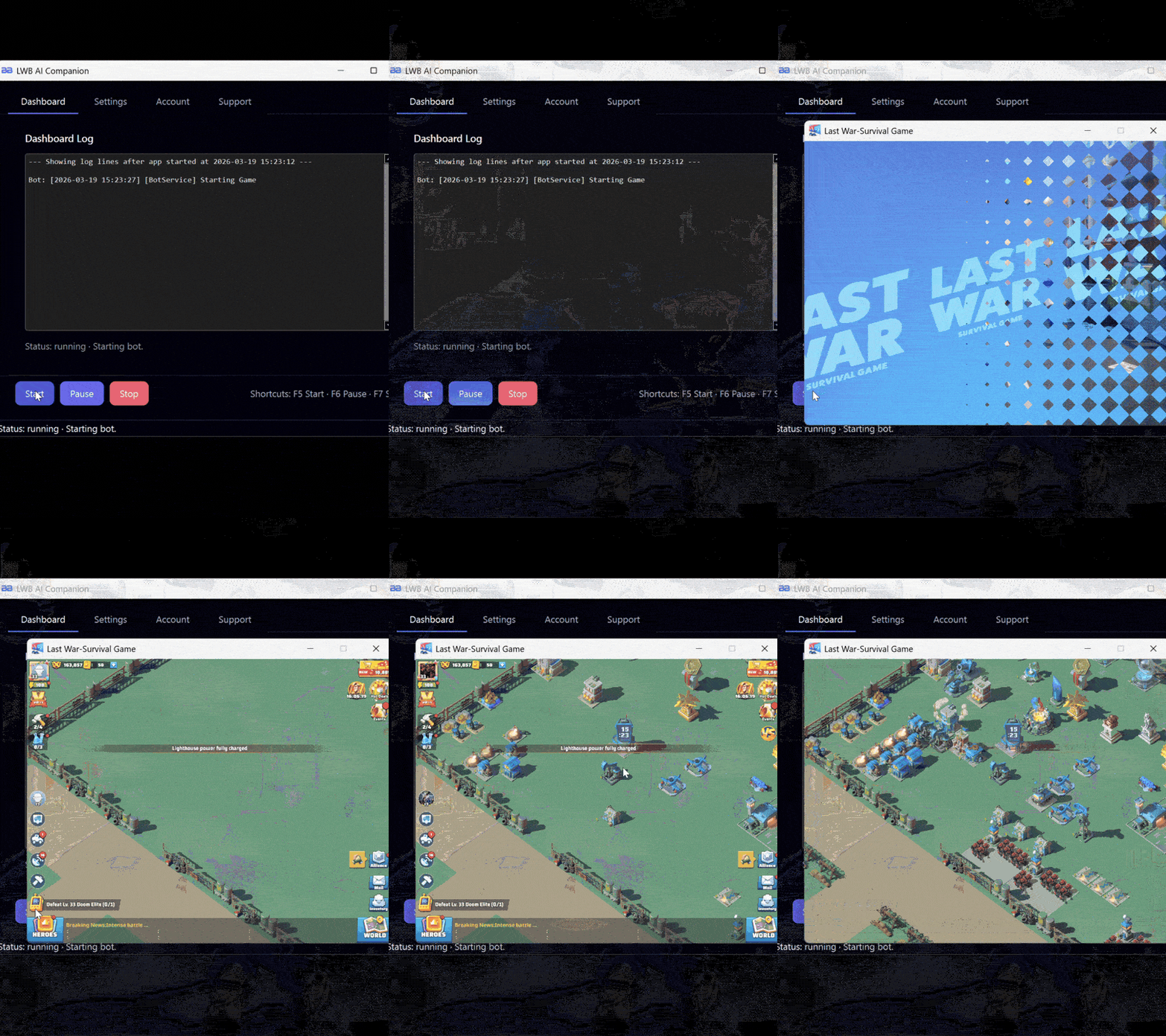
Press F5 or click Start. The bot will begin scanning your game window and performing the configured actions automatically.
Step 6: Let It Run
The bot continues running in the background, handles recoveries when needed, and sends Telegram updates so you can stay informed without constant monitoring.